Budgeting & saving
How to Track Your Daily Spending (and Actually Keep It Up)
Writing down every purchase for a month is standard advice from the CFPB, the FTC and MoneyHelper. Here's how to do it in two minutes a day, which categories to use, and what to do with the totals.
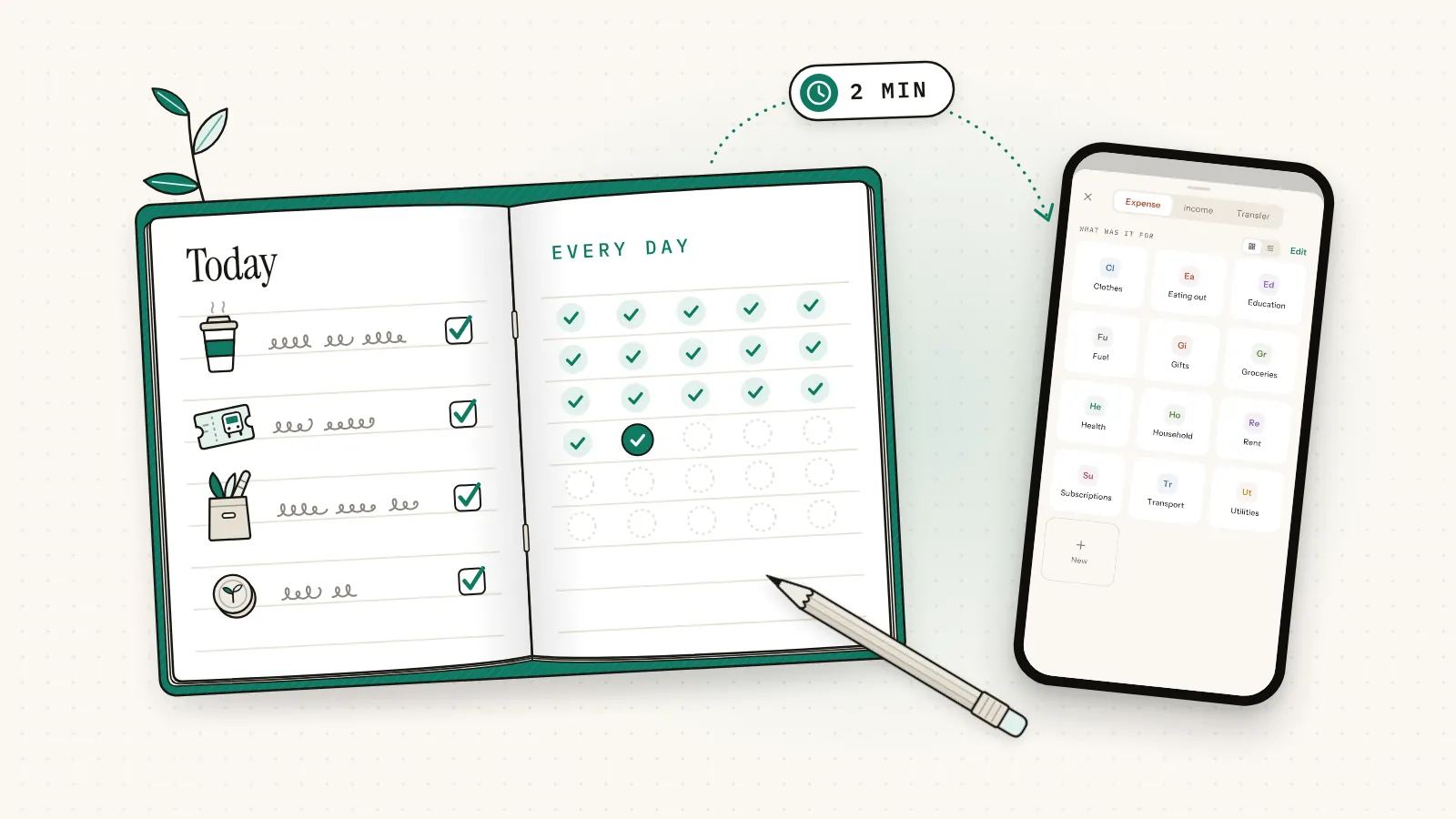
How to track daily spending: the 30-day method
Pick one place to log, then write down every purchase on the day you make it: card, cash and online. Keep going for a full month, sorting each purchase into one of about ten categories. Look at the totals once a week. At month end, total each category and choose three changes.
- Choose one place. A notebook, a spreadsheet or a phone app. Just one.
- Log every purchase the same day. The $4.50 coffee, the £3.20 meal deal, the subscription that renewed overnight, and cash.
- Give each purchase a category. About 10 to 12.
- Check the totals weekly. Five minutes, same day each week.
- Audit the month. Total each category and pick three changes.
Daily logging is the hard part, so most of this guide is about keeping it going.
Key facts
- CFPB spending tracker (2018): track a month, "rather than just a week or two."
- CFPB spending tips (February 2017): set a weekly limit for small purchases.
- FTC, consumer.gov (August 2024): "each day, write down what you spent."
- MoneyHelper (UK, as of August 2026): keep a spending diary for a month.
Is it worth tracking every expense?
Yes, for at least one month. Big bills are easy to remember; small, frequent purchases are not, and that's where the surprises usually hide. The CFPB says many people who track for a month find they're spending in small ways that add up and sometimes don't match their priorities.
Its spending tracker adds that, once they track, "many people can find money to save for emergencies, unexpected expenses, and goals." A month of tracking turns "where does my money go" from a sigh into a set of totals.
For example, a $4.50 coffee on 20 workdays is $90 a month, or $1,080 a year. A £3.20 meal deal on the same days is £64 a month, or £768 a year. Fine, if you chose it. Tracking tells you whether you did.
The FTC's consumer.gov guide makes tracking part of a monthly loop: plan, log each day, check, and plan again.
How long should you track your spending?
Track spending for 30 days, ideally a calendar month with a payday and your regular bills in it. The CFPB's tracker suggests a month rather than a week or two, because a month shows all your income and expenses in one place. If that feels like too much, start with one or two weeks.
A week can miss the rent, the phone bill and the insurance payment on the 20th. A month catches the full cycle, and it's the unit you'll budget in. Start on the 1st if it's close. Otherwise start today: waiting for a perfect start date is how tracking never starts.
US
The CFPB's free spending tracker, part of its Your Money, Your Goals toolkit, is a printable grid of 12 categories by five weeks. consumer.gov's Budget Worksheet then turns your totals into a budget: income minus expenses.
UK
MoneyHelper, the free guidance service from the Money and Pensions Service, suggests a spending diary for a month or, if you mostly pay by card, last month's statement. Its free online Budget planner saves your figures (MoneyHelper: Managing your money).
What's the easiest way to track daily spending?
The easiest way is the one you'll still be using on day 30. A notebook is quickest to start, a spreadsheet does the adding up, statements fill gaps after the fact, and a phone app is with you when you pay. Choose one as your record and use the others only to check it.
A notebook or an envelope of receipts
The CFPB's method: drop every receipt in an envelope, write the item on any that don't say, and jot down anything bought without one. Total each category weekly. It's free, and it catches cash.
A spreadsheet
Five columns: Date, Category, What it was, Amount, Paid with. Write dates as 2026-10-03 so they sort cleanly, and let SUMIF or a pivot table do the totals. The catch: you're rarely at a computer when you pay.
Bank and card statements
If you mostly pay by card, last month's statement already lists your spending. But it misses cash, hides dinner behind a merchant code, and arrives after the money's gone. Use it to fill gaps.
An app on your phone
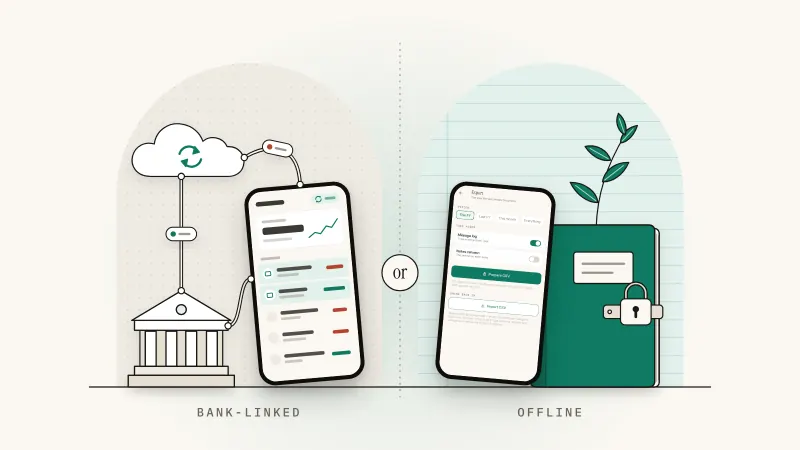
A daily expense tracker app is in your hand when you pay. Some import card payments from your bank; others have you type each purchase, which takes seconds and makes you notice it. Here's how bank-linked vs offline trackers compare.
| Method | Daily effort | Sees cash? | Best for |
|---|---|---|---|
| Notebook or envelope | Write down each purchase | Yes | Starting today |
| Spreadsheet | Type each purchase, often later | If you log it | People at a desk daily |
| Statements | None until month end | No | Filling gaps |
| Phone app | A few taps, or reviewing a feed | If you type entries | Logging at the checkout |
Which spending categories should you use?
Use 10 to 12 categories: enough to show where money goes, few enough to choose one in a second. Start from a standard list, such as the 12 in the CFPB's spending tracker, rename them to fit your life, and add a category only when you'd act on its total.
| CFPB category | What it covers (CFPB examples, shortened) | Typical app category |
|---|---|---|
| Housing + utilities | Rent or mortgage, electricity, gas, water, internet | Rent, Utilities |
| Groceries + other supplies | Food brought home, household supplies | Groceries, Household |
| Eating out | Meals or drinks bought outside the home | Eating out |
| Transport | Fuel, car payments, insurance, repairs, fares, rides | Transport, Fuel |
| Cell phone | Your phone plan and related costs | Utilities, or add Phone |
| Health expenses | Co-pays, medication, eye and dental care, health insurance | Health |
| Education + childcare | Childcare, school supplies and fees | Education |
| Entertainment + personal care | Movies, streaming, subscriptions, haircuts, toiletries | Subscriptions, or add Fun |
| Helping others | Donations and gifts | Gifts |
| Pets | Food, vet bills | Add Pets |
| Debt payment | Credit card and loan payments | Card bill: a transfer (see below); add Loans |
| Other | Household items, savings, job-related costs | Household, Clothes; savings is a transfer |
- Card bills: if you log card purchases as you make them, the bill payment is a transfer from bank to card, not new spending.
- Savings: money moved to savings is still yours, so it's a transfer too.
How do you make daily tracking stick?
Make logging smaller than your excuse for skipping it. Log at the checkout, or in one fixed two-minute slot each evening. Keep receipts in one place until they're logged, record cash withdrawals as transfers, check your totals weekly, and fill missed days from your statement instead of starting over.
The CFPB's list of common spending challenges starts with not tracking "because it's a hassle." So make the job tiny.
On the spot, or one evening slot
Logging at the checkout is most accurate, especially for cash. Otherwise, tie a two-minute evening slot to something you already do, and set a phone alarm:
- Empty your pockets. Receipts and cash on the table.
- Log each receipt. Then file or recycle it.
- Scan today's card payments for anything you forgot.
- Count your cash. If it doesn't match your log, something's missing.
Treat cash withdrawals as transfers
Taking $100 or £100 out of an ATM isn't spending; the money just moved from your bank to your wallet. Record a transfer, then log what the cash buys. Log the withdrawal as spending and each cash purchase counts twice. Here's why a cash withdrawal isn't spending.
Check weekly; fill gaps, don't restart
The CFPB suggests comparing spending with your budget "monthly or more frequently." In month one, a five-minute weekly look at category totals does the job. Missed a few days? Copy card spending from your statement, rebuild cash from receipts and memory, mark the estimates, and carry on.
How do you do a spending audit at the end of the month?
Add up each category for the month, then label each one a need, a want or an irregular cost. Look for the surprises: the totals bigger than you'd have guessed. Then choose three specific changes for next month and turn your real numbers into a budget.
The CFPB's tracker gives a sorting rule: costs that are the same every month, like rent or a phone plan, "are often your needs and obligations," while areas you could cut back on "will generally be wants."
- Need
- A cost you'd have to cover anyway: housing, utilities, basic groceries, getting to work.
- Want
- A cost you choose and could trim: eating out, streaming, most shopping.
- Irregular cost
- An expected cost that doesn't come monthly: car repairs, annual insurance, gifts.
- Spending audit
- A month-end review of tracked spending that ends in decisions, not just totals.
| Category | US example | UK example | Label | Change for next month |
|---|---|---|---|---|
| Rent | $1,400 | £950 | Need | None |
| Groceries | $520 | £340 | Need | Plan meals; one main grocery trip a week |
| Eating out | $310 | £190 | Want | Weekly cash limit |
| Subscriptions | $68 | £45 | Want | Cancel the two you didn't use |
| Gifts | $120 | £80 | Irregular | Set money aside monthly |
Three changes is plenty: one is too timid to notice, and ten won't survive week two. Make each one checkable ("eating out under $240"), then use your real numbers to choose a budget method.
What should you do with what you find?
Sort each finding into cut, cap or plan. Cut what you don't value, like a subscription you forgot you had. Cap what you value but overdo, with a weekly limit. Plan for the costs that don't arrive monthly by setting money aside each month, so they stop wrecking otherwise ordinary months.
- Cut. Go down your subscriptions; anything you didn't use this month is a candidate.
- Cap. The CFPB suggests a weekly limit for small purchases, with the cash set aside at the start of the week: say, $60 or £50 on Monday for coffee, snacks and lunches.
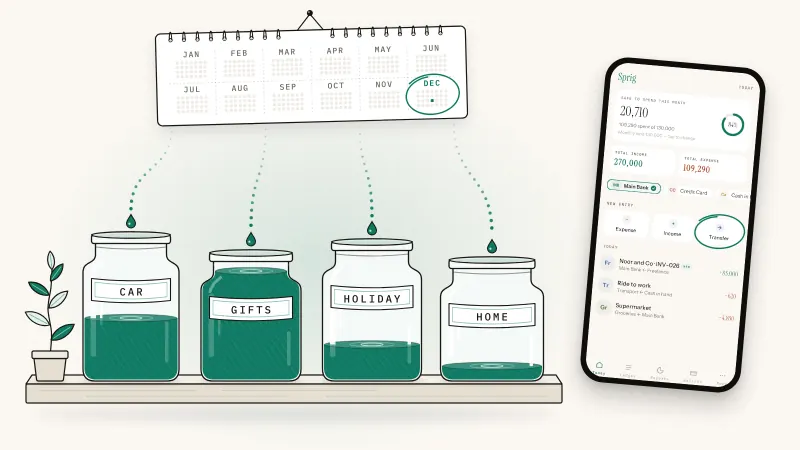
- Plan. Divide each irregular cost by the months until it's due. A £600 car insurance bill due in a year is £50 a month; $600 of December gifts with three months to go is $200 a month. That's how sinking funds for irregular costs work.
Then decide how much tracking to keep: the full daily log, or daily cash plus a weekly sweep of card spending.
This is general information, not financial or tax advice.
How to track daily spending in Sprig
Sprig is a private, offline double-entry bookkeeping app for iPhone and Android, made by Secundum Reality. No account, no bank link, no cloud: your log stays on your phone unless you export it or save a backup. Here's what a private, offline app should do.
An expense takes four taps and the amount: Expense, a category, what it was (or Skip), the amount, Save. Save & add another keeps the sheet open in the same category for a run of receipts. On iPhone, Back Tap lets a double-tap on the back of the phone start an entry.
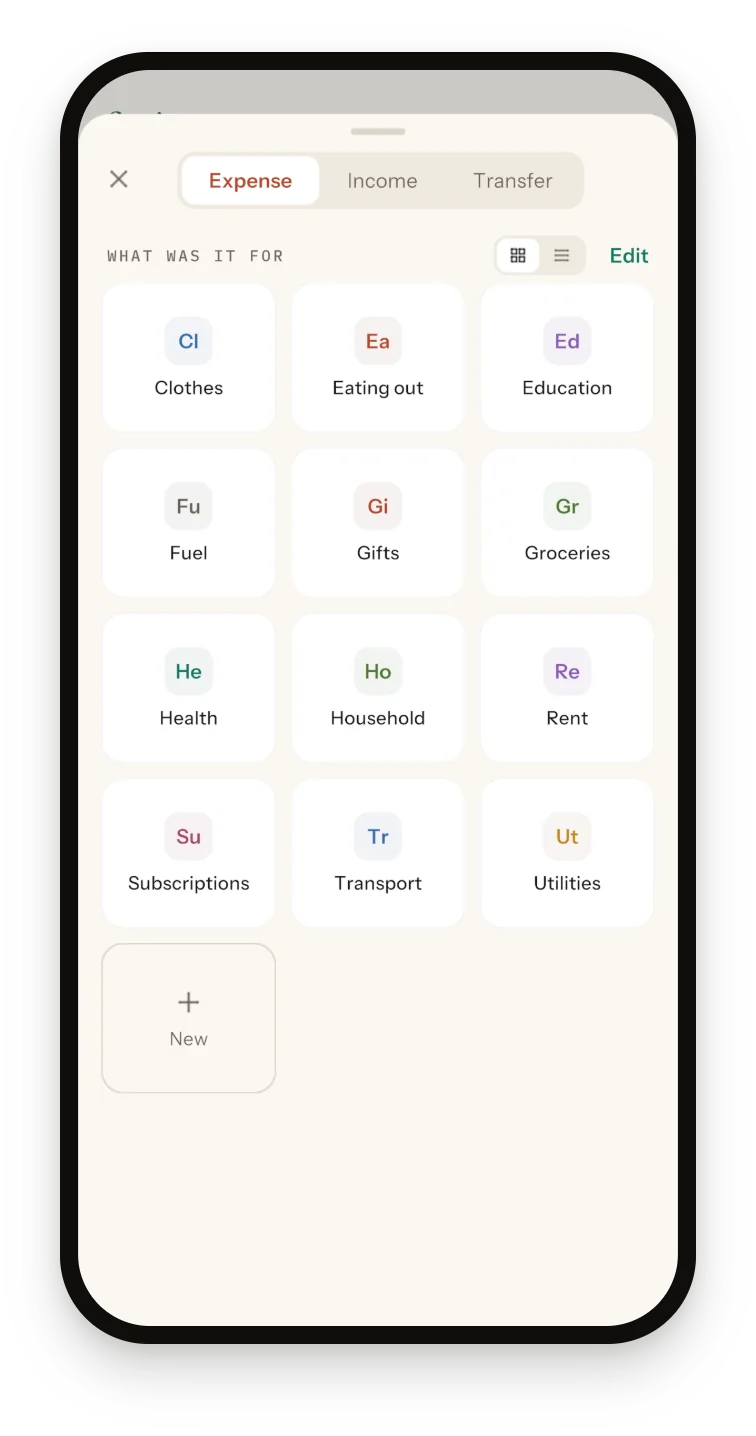
How Sprig helps
The 30-day method in Sprig:
- Cash and card bills: log withdrawals and card payments as Transfers, which never count as spending.
- Daily check: the Ledger groups entries by day with day totals; tap Expenses and each total is that day's spending. Search covers summaries, notes, categories and wallets.
- Weekly check: Reports, Week (Monday to Sunday) shows the week's spending by category and compares the total with the week before.
- Audit: Reports, Month ranks categories biggest first, and each bar expands into per-item totals.
- Next month: tap the Safe-to-spend card on Today and type your monthly limit.
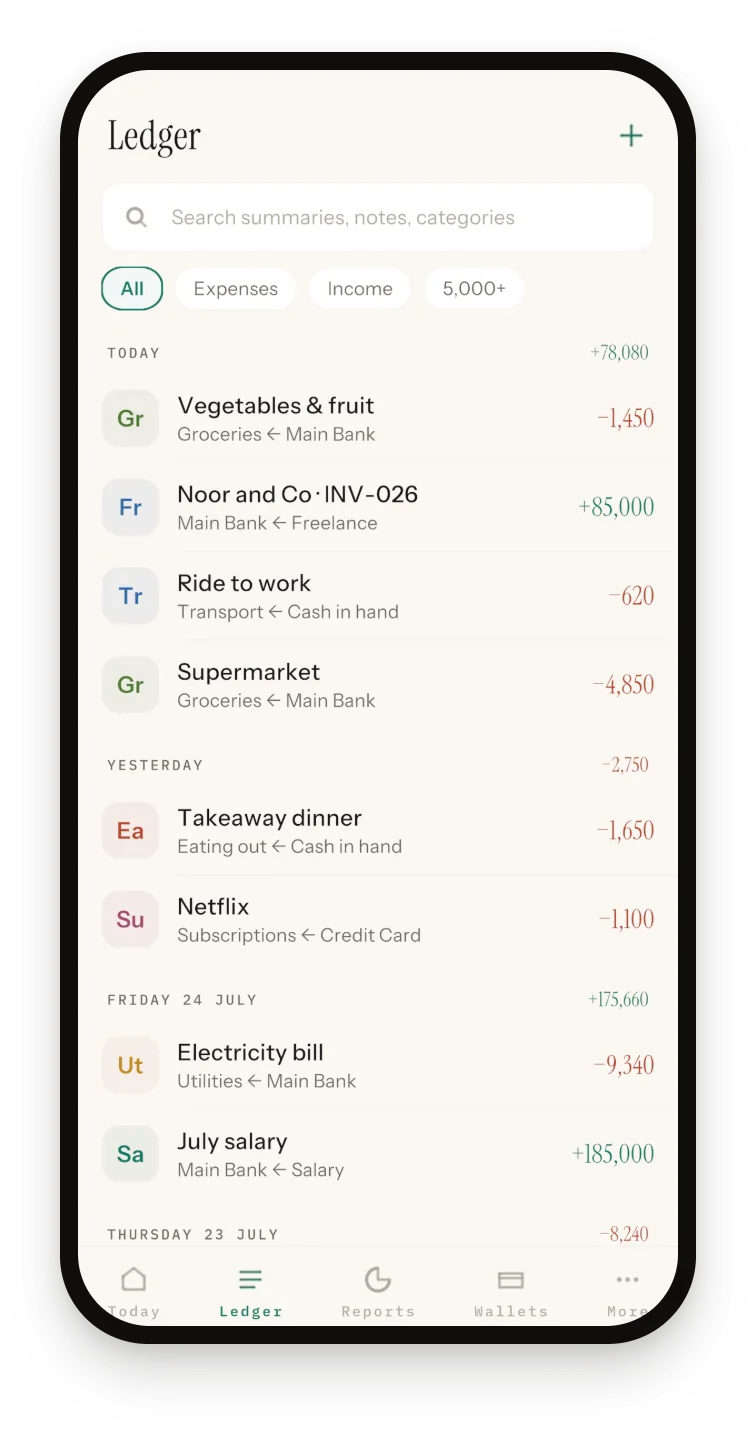
Know the limits. Entries you type are dated the day you log them; for older spending, import a CSV (More, Export, Import CSV) with dates as YYYY-MM-DD. Slashed dates with a four-digit year are read day-first, and month-first only when that's impossible, so a US-format file goes partly wrong without warning: 10/03/2026 lands on 10 March, 10/13/2026 on 13 October. Here's how to prepare a bank statement for import. There's no bank feed and no reminders, so keep that phone alarm. Amounts are plain numbers with no currency symbol; keep every wallet in the same, default currency.
Sprig is free for 50 entries in total, plus 20 per optional ad (up to 4 a day), with every feature included. At three entries a day, 50 last about 16 days, so a 30-day sprint needs two ads. Transfers count as entries; CSV imports don't. Sprig Premium, yearly (US$9.99 or £9.99 on the App Store as of October 2026; your store shows the local price), removes the limit and ads. See the Sprig expense tracker.
Sprig for iPhone and Android
Keep your books in four taps.
Private, offline double-entry bookkeeping. No account, no bank login, no cloud. Free to start with 50 entries.
Frequently asked questions
What is the best way to track daily expenses?
The one you'll keep using for a month. Pick a single place, log every purchase the same day, cash included, and sort each into about ten categories. A phone app is usually easiest because it's with you when you pay, but a notebook you use beats an app you don't.
How long should I track my spending before making a budget?
One full month. The CFPB's spending tracker suggests a month rather than a week or two, because a month shows all your income and expenses in one place. If that's too much, start with one or two weeks. Then use the month's category totals as the starting numbers for your first budget.
Should I track cash spending too?
Yes. Cash is the easiest spending to lose track of, and statements won't show where it went. Record each ATM withdrawal as a transfer to a cash wallet or envelope, not as spending, then log each cash purchase as you make it. At night, the cash in your pocket should match your log.
Do I need to link my bank account to track spending?
No. Tracking needs only a record of what you spend: a notebook, a spreadsheet or an app you type into all work without your bank login. Bank-linked apps save typing but miss cash and add another company holding your data; see our comparison of bank-linked and offline expense trackers.
What if I forget to log my spending for a few days?
Fill the gap instead of restarting: copy card spending from your statement, rebuild cash from receipts and memory, and mark any estimates. In Sprig, entries you type are dated the day you log them, so bring older spending in with a CSV import and write dates as YYYY-MM-DD. A slashed date such as 10/03/2026 is read day-first, as 10 March.
Sources and further reading
- CFPB: Spending tracker, Your Money, Your Goals toolkit (2018)
- CFPB: Consumer tips for managing spending (February 2017)
- FTC, consumer.gov: Making a Budget (August 2024)
- FTC, consumer.gov: Budget Worksheet
- FTC: Division of Consumer and Business Education, which manages consumer.gov
- MoneyHelper (Money and Pensions Service): Managing your money (checked via the Internet Archive copy of 19 August 2026)
Published 3 October 2026. Feature details were checked against Sprig 1.1 for iPhone and Android. This article is general information, not tax or legal advice; rules differ by country, so confirm anything you file with your accountant or tax authority.