 Last Charge
For parents
Last Charge parents' guide: is it OK for your child?
We make Last Charge, so here is what's in it, room by room: the rating, the scary parts, who your child can talk to (nobody) and what there is to buy (nothing).

Last Charge, the toy car physics puzzle game by Secundum Reality, is rated 9+ on the App Store. It's a single-player puzzle game set in and around a dark house during a storm: spooky, with lightning flashes and a robot vacuum that rushes at the car's headlights, but with no blood, weapons or fighting, no chat, no account of its own and nothing to buy.
We make Last Charge, so this is the maker's guide. We've tried to write it the way you'd want a friend to describe a game: what's in each room, what might bother a younger or more sensitive child, and what we don't claim for it. We don't recommend Last Charge for children under 9.
What is Last Charge about?
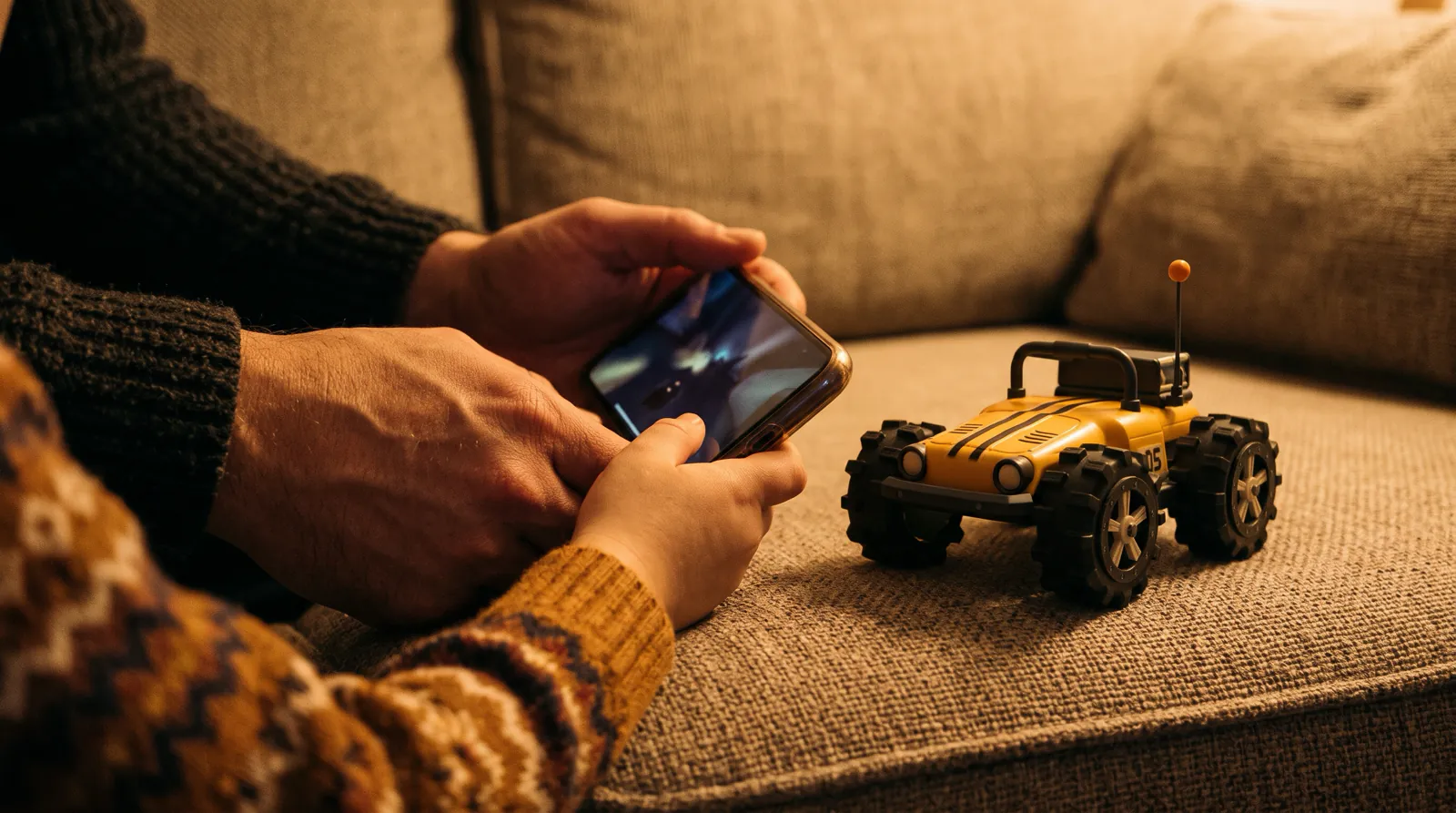
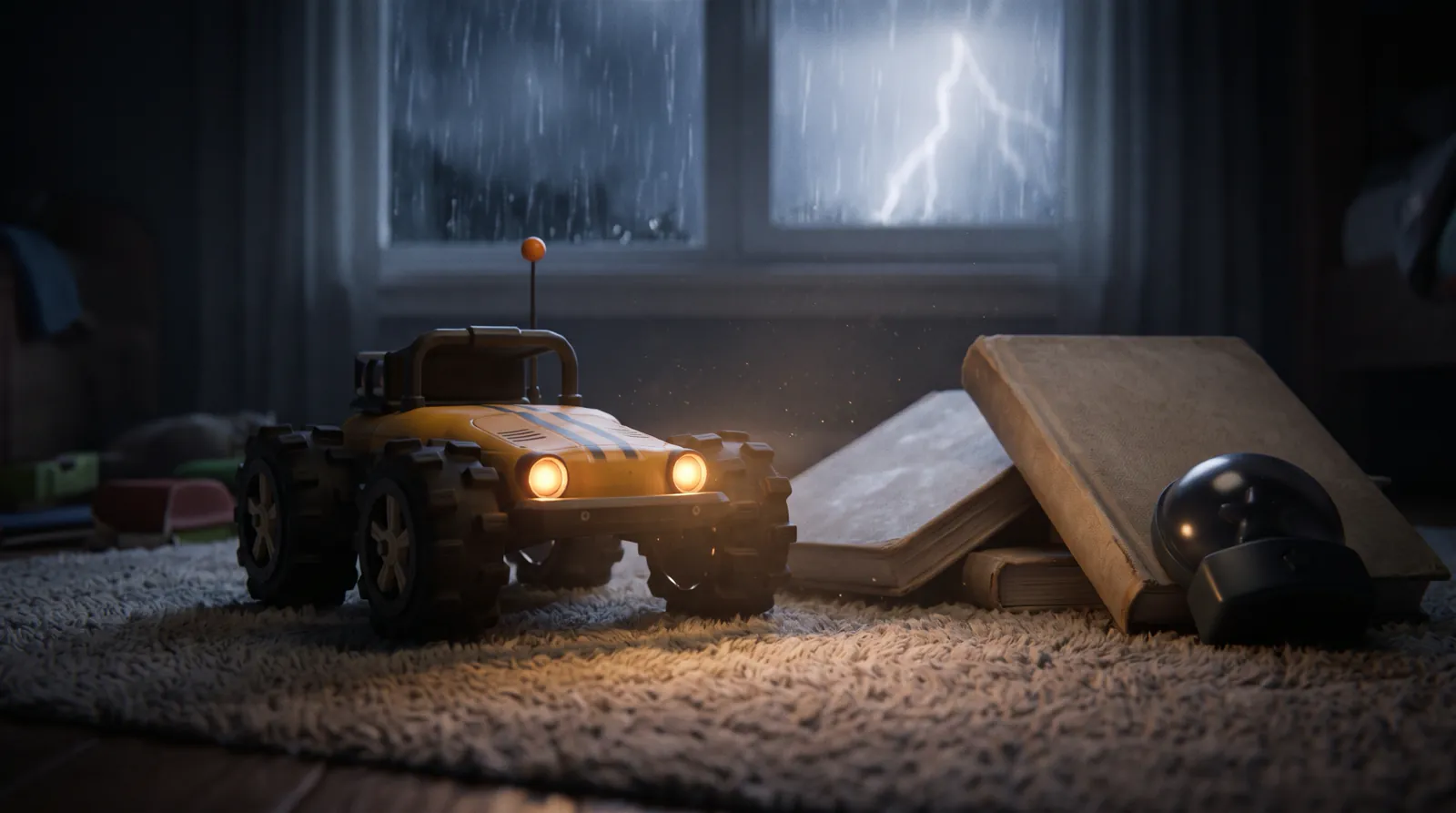
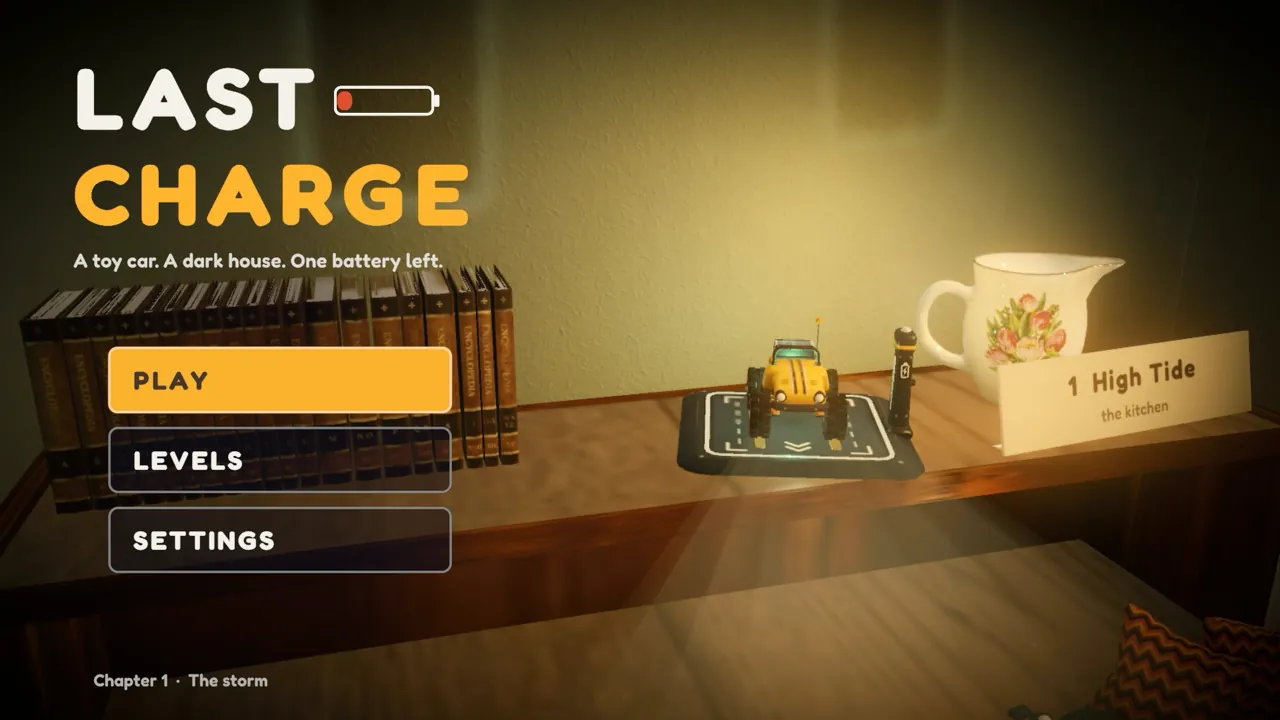
Last Charge is a story-driven 3D physics puzzle game for Android and iPhone, made by Secundum Reality. A storm has cut the power, and your child drives Watt, a small yellow toy RC car, through a dark house to get the lights back on before the child asleep upstairs wakes in the dark.
That child is never shown or named, and no people or animals appear on screen. There are four levels so far, each a different part of the house with its own puzzle: the flooded kitchen (High Tide), the dark living room (Lights Out), the garage (The Breaker) and the garden at night (Windfall). Every level starts with Watt's battery at 60%, and driving, the headlights and the boost all use charge. Power banks along the way top Watt up and save your child's place.
The game plays with the phone or tablet held sideways. Each room opens with a camera flight to the exit, which your child can see but can't reach yet, and then states one goal, once. After that there are no hints.
What age rating does Last Charge have?
Last Charge is rated 9+ on the App Store. Apple uses 9+ for apps that may contain content not suitable for children under 9, with examples such as infrequent horror or fear themes and infrequent cartoon or fantasy violence. We don't recommend Last Charge for children under 9.
A rating tier is a broad guide, so the next section goes through Last Charge room by room. Reading matters too. All the on-screen text is in English, and there are no voices. The text is short: a goal line such as "Get out through the pet flap in the hall door", which stays at the top of the screen and on the pause card, and two or three words after a try, such as "Too gentle" or "Too heavy for Watt". Each message stays up for a few seconds, and the longest ones for up to eight.
Is Last Charge scary?
Last Charge is spooky, with no blood or gore. The rooms are dark, the storm rumbles, lightning flashes every 10 to 20 seconds, and in the living room a robot vacuum rushes at Watt when its headlights are on. Nothing gets hurt: when something goes wrong, the screen fades and Watt is back at the last power bank.
| Room | What your child sees and hears | What happens when it goes wrong |
|---|---|---|
| Kitchen (Level 1, High Tide) | A flooded kitchen at night, a candle on the table and a burst pipe spraying by the sink | Deep water shorts Watt out ("Shorted out in the water"), and it starts again at the last power bank |
| Living room (Level 2, Lights Out) | A very dark room. Grumble, a robot vacuum, patrols the rug. When it spots Watt's headlights it chirps and its ring turns amber, then red as it rushes | "Grumble caught you!" and a fade back to the last power bank. Grumble doesn't damage Watt or carry it off |
| Garage (Level 3, The Breaker) | Rain blowing in under the big door, a plug standing in a puddle, high shelves, and the power coming on and tripping off again | A fall of more than 50 cm, or driving into the puddle, sends Watt back to the last power bank |
| Garden (Level 4, Windfall) | Wind and rain at night, and a gate that bangs with every gust under a sleeping child's window | After 45 bangs the child's bedroom light comes on. Your child can still finish; the results card reads "The gate is quiet at last" instead of "Sound asleep" |
Grumble is the closest thing the game has to a monster, and it follows one rule: it notices Watt only when the headlights are on. A child who knows that can switch them off and slip past in the dark, and how to get past Grumble explains the rest. There are no lives to lose and no timer, and each reset takes well under two seconds.
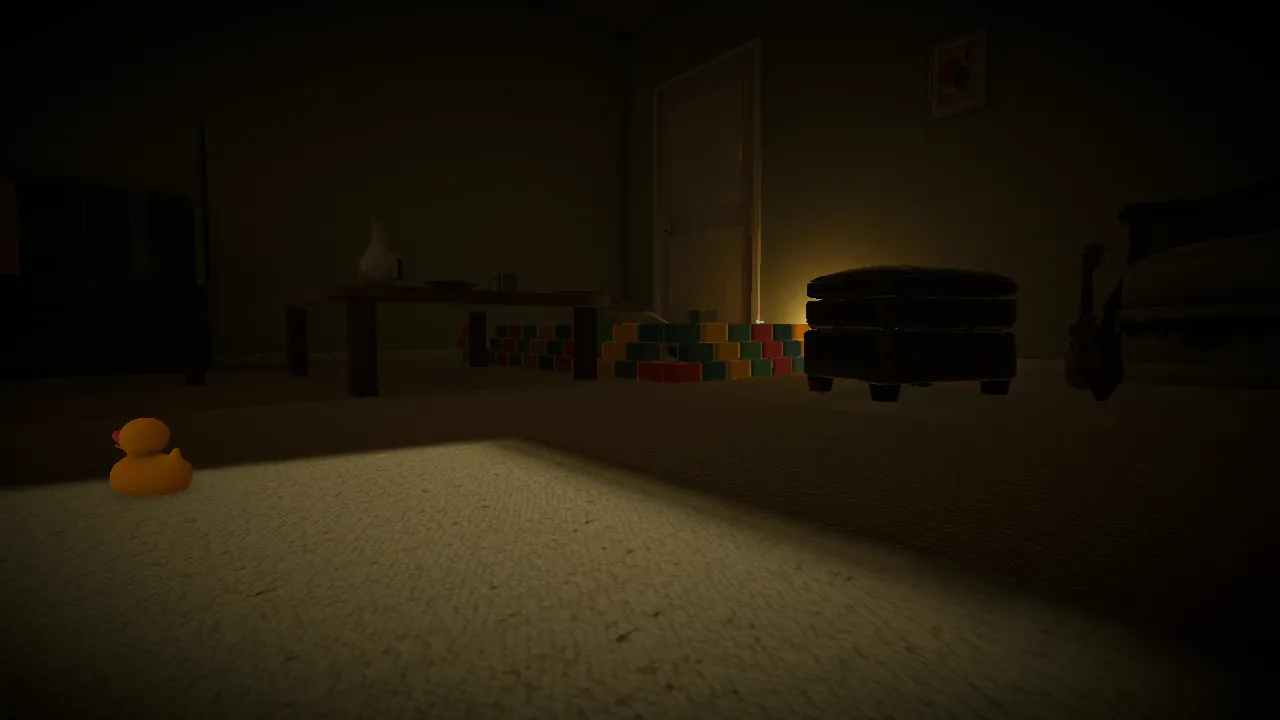
What your child hears is the storm, drips, creaks, a ticking clock, Watt's motor and Grumble's chirps, with no music and no voices. If the storm is too much, the Sound tab in Settings has a Storm sounds switch, along with Mute and Volume.
Flashing light
Lightning flashes every 10 to 20 seconds in the dark rooms, and no setting turns the flashes off. The Epilepsy Society, a UK charity, says around 3% of people with epilepsy have photosensitive epilepsy, which most often starts between the ages of 7 and 19, and that flashing or flickering images on a screen could trigger a seizure. If that applies to your child, check with their doctor first. The charity's general tips include sitting well back from the screen, using it in a well-lit room and taking regular breaks.
If your child is still unsure about spooky games, our guide to spooky games for kids that aren't too scary compares others by age rating, and non-violent games for kids collects games whose store ratings list no violence.
Can your child chat or buy things in Last Charge?
No. Last Charge is single player, with no chat and no account or sign-in of its own, so nobody can message your child through the game. There is nothing to buy inside it, and it is free to play. On Android it does connect to Google Play Games for achievements and leaderboards, explained below.
Google Play Games on Android
On Android, Last Charge has 10 achievements and a best-time leaderboard for every level on Google Play Games, for finishing each room, finding the gold batteries and the special endings, such as the full fix in the garage. If the phone has a Play Games profile, Play Games signs in by itself when the game starts, with no button and no question; with no profile, nothing happens. The leaderboards may show your child's Play Games gamer name and best time to other players, as set in their Play Games profile, and you can manage that, or turn automatic sign-in off, in the Play Games settings. None of this exists on iPhone or iPad.
App store controls
On iPhone and iPad, Apple's Screen Time settings let you limit apps to an age rating under Content & Privacy Restrictions, and Ask to Buy sends you a request to approve or decline. On Android, Google's Family Link lets you require your approval for new apps. Apple's and Google's guides, listed under Sources, have the steps.
Is Last Charge educational?
Not in the school sense. Last Charge is a puzzle game, not a curriculum: it has no lessons or tests, and we don't claim it improves grades, memory or anything else. What your child does while playing is plan with a limited battery, watch what each action causes, try an idea and adjust it, and find a way through without hints.
- Watt's battery works like an allowance. Each level starts at 60%. Holding a pedal costs 0.15% a second, the headlights 0.10% a second and a boost 4%, while sitting still in the dark costs nothing, so your child decides when to spend.
- When an action works, the camera often cuts to show what it changed, and Grumble's ring changes color the moment it spots the headlights. Cause and effect is right there on screen.
- A try that doesn't work gets a few words back. "Too gentle" means more speed; "Too heavy for Watt" means that thing won't move, so look for another way.
- Nobody says what to do next. Each room names one goal and shows the exit, and working out the route is up to your child.
Some puzzles use real physics: a floating lid in the flooded kitchen, a counterweight hoist in the garage, a siphon in the garden, and wind that moves whatever catches it. If your child enjoys those, our easy physics experiments for kids at home try the same ideas with water and string. For what research says about puzzle games and children, and what it doesn't, see are puzzle games good for kids?
Which settings help younger players?
Steering matters most. Last Charge uses an on-screen steering wheel by default, and your child can switch to a slider, left and right buttons, or tilt, under Controls in Settings or from the pause menu. The Sound tab has Mute, Volume and a Storm sounds switch, and the pause menu can restart from the last power bank.
The wheel turns up to 120 degrees each way and springs back to center when your child lets go. If it feels fiddly, try the buttons. GAS is the big pedal on the right and BRAKE the smaller one, which reverses if held. BOOST and LIGHTS sit above them, and a HOOK button appears only when Watt's tow hook is near something it can pull. Dragging on an empty part of the screen looks around, and the top-view button shows the room from above.
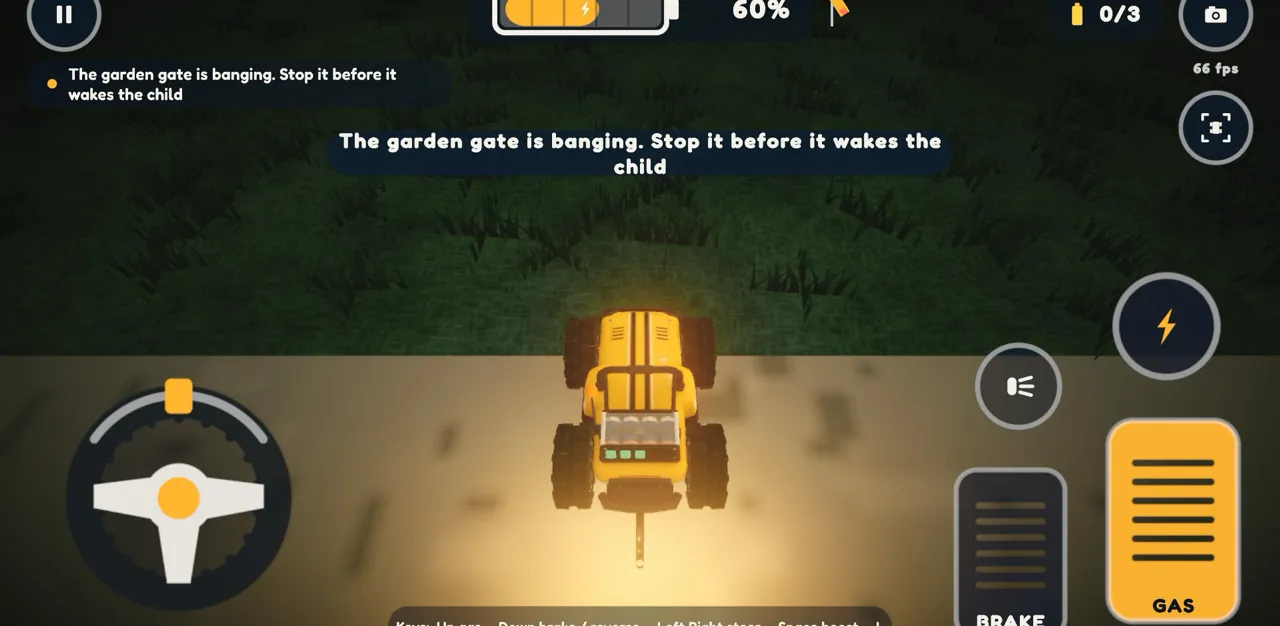
The pause menu has Resume, Steering, Restart from power bank, Restart level and Main menu. The Graphics tab has a Battery saver setting that runs the game at 30 frames per second to keep older phones cool. No setting turns off the lightning flashes.
What should your child do when they get stuck?
Stop and look. In Last Charge, standing still with the headlights off costs no battery, and there are no lives and no level timer, so stopping to think is free. If the battery runs out, Watt wakes at the last power bank with 40%. If your child is still stuck, our walkthroughs solve each level step by step.
Last Charge has no hint button, so a stuck child keeps trying, asks you, or looks it up. The American Academy of Pediatrics calls joining in co-playing, and says it can build trust and help you understand what your child does on screens. Its tips on HealthyChildren.org include asking permission first, especially with school-age kids, and asking open questions such as "How did you pick this game? What's your favorite part?" Our guide to playing puzzle games with your child covers helping without giving the answer away.
To look it up together, start with the Level 1 walkthrough for the flooded kitchen; each level has its own. Our Last Charge tips cover the battery and the controls, and the three gold batteries in each room are an optional extra for children who want more.
Which phones and tablets can play Last Charge?
Last Charge runs on Android phones and tablets with Android 8.0 or later, and on iPhone and iPad with iOS 15 or later. It plays with the device held sideways, and the text is in English only. The Google Play Games achievements and leaderboards are on Android only; the iPhone and iPad versions don't have them.
The Last Charge FAQ on the game page answers other common questions. If your child wants to see who's who before playing, the game page also introduces Watt and Grumble.
Before your child plays
- Check the rating fits: 9+ on the App Store. We don't recommend Last Charge for children under 9.
- Play the first room, the flooded kitchen, together with the sound on, and see how your child takes the dark and the storm.
- Show them the Storm sounds switch in Settings and Restart from power bank in the pause menu.
- If your child likes to know how a monster works before meeting it, tell them Grumble's one rule: headlights off, and it can't see Watt.
- Set the app store's parental controls the way you want them. On Android, check the Play Games settings too: automatic sign-in, and the gamer name the leaderboards would show.
Frequently asked questions
What age is Last Charge for?
Last Charge is rated 9+ on the App Store, and we don't recommend it for children under 9. Apple uses the 9+ tier for apps that may include things like infrequent horror or fear themes. What Last Charge has is dark rooms, a storm with lightning flashes and a robot vacuum that rushes at the toy car's headlights, with no blood, weapons or fighting.
Is Last Charge too scary for a 9-year-old?
It depends on the child. Last Charge is spooky, with no blood or gore: dark rooms, storm sounds, lightning flashes every 10 to 20 seconds, and Grumble, a robot vacuum that chirps and rushes at Watt when its headlights are on. Nothing gets hurt, and every mistake is a quick fade back to the last power bank. Playing the first room together is the easiest way to judge.
Can strangers contact my child in Last Charge?
No. Last Charge is single player, with no chat and no account of its own, so another player has no way to message your child inside the game. On Android, if the phone has a Google Play Games profile, the level leaderboards may show your child's gamer name and best time to other players, as set in that profile. You can manage that, or turn automatic sign-in off, in the Play Games settings.
Can my child spend money in Last Charge?
No. Last Charge is free to play and there is nothing to buy inside it. The gold batteries hidden in each room are found by exploring, and they count toward your child's best gold count for that level and, on Android, toward Play Games achievements. If you'd like to approve what goes on your child's device, Apple's Ask to Buy and Google's Family Link both send you requests to approve.
Does Last Charge teach physics?
Not directly. Last Charge doesn't explain any science, and it isn't a lesson. Its puzzles are built on real ideas, though: Watt crosses a flooded kitchen on a floating lid, rides a counterweight hoist in the garage and waits for wind gusts to move things in the garden. Talking about those puzzles, or trying the same ideas with a bowl of water at home, is where the science comes in.
Is there violence in Last Charge?
There is no fighting, no weapons and no blood. Watt, the toy car your child drives, can't attack anything, and nothing in Last Charge gets hurt. The closest thing to a threat is in the living room, where Grumble the robot vacuum rushes at Watt's headlights. If it reaches Watt on the floor, the screen fades and Watt starts again at the last power bank, with no damage shown.
Sources
- Apple Developer: Age ratings values and definitions
- Apple Support: Set up parental controls to manage your child's iPhone or iPad
- Google: Family Link parental control tools
- HealthyChildren.org (American Academy of Pediatrics): Why Co-Viewing Is Important: Tips to Share Screen Time With Your Kids
- Epilepsy Society: Photosensitive epilepsy