 Last Charge
Guides
How to get past Grumble, the robot vacuum in Last Charge
Grumble, the robot vacuum in Level 2, notices one thing about Watt: its headlights. Switch them on where it can see them and you get one second of warning before it charges.
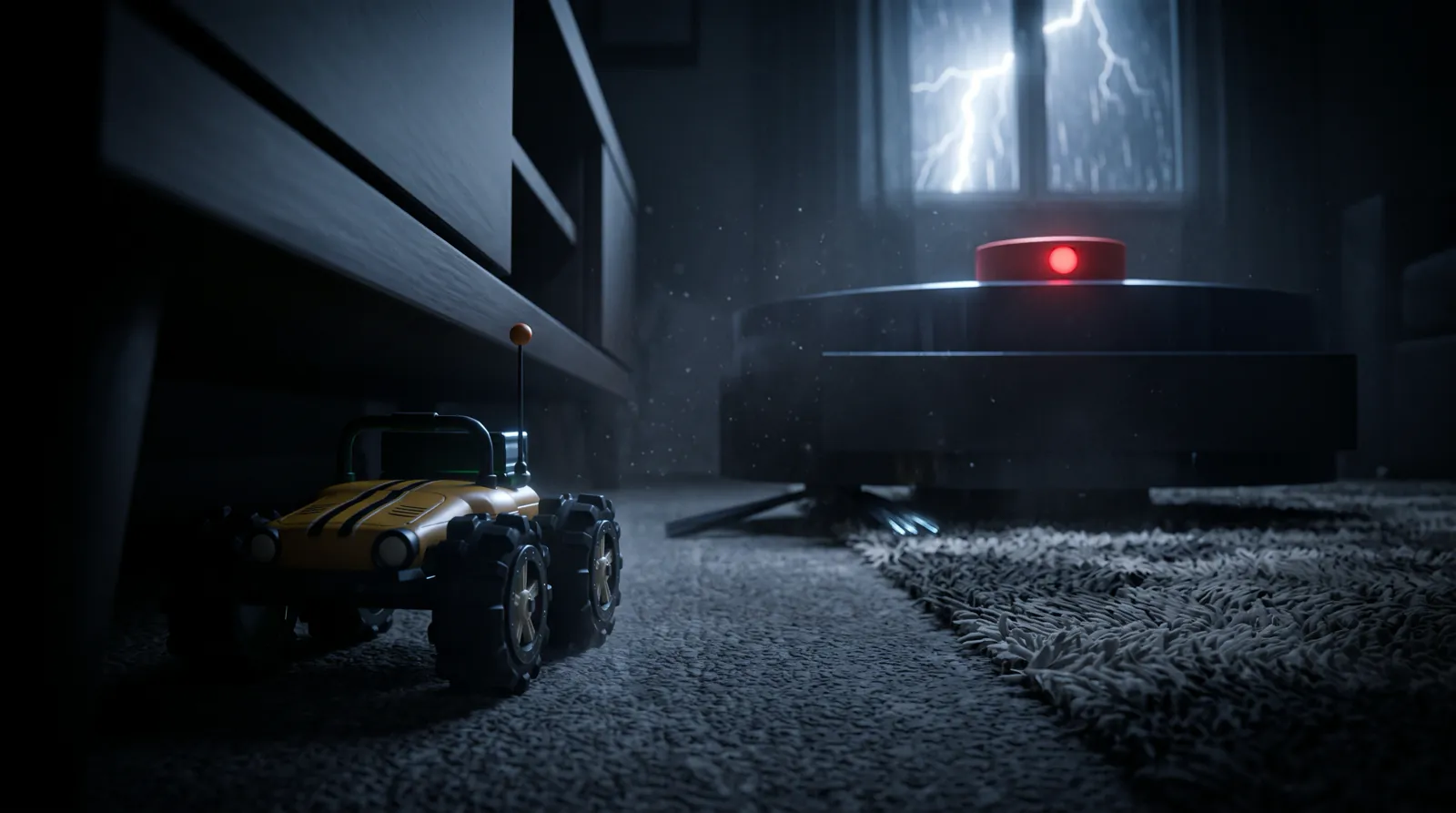
To get past Grumble in Last Charge, the toy car physics puzzle game by Secundum Reality, keep Watt's headlights off whenever you're on the living-room floor. Grumble, the robot vacuum in Level 2, only goes after Watt when its headlights are on, and in the dark it just bumps past.
The game doesn't tell you any of this, because Last Charge gives no hints on purpose. You find out the hard way, when a calm blue ring goes amber and Grumble swings toward you. The last section explains how Grumble ends up opening the way out of the room, so it spoils the end of Level 2.
What is Grumble in Last Charge?
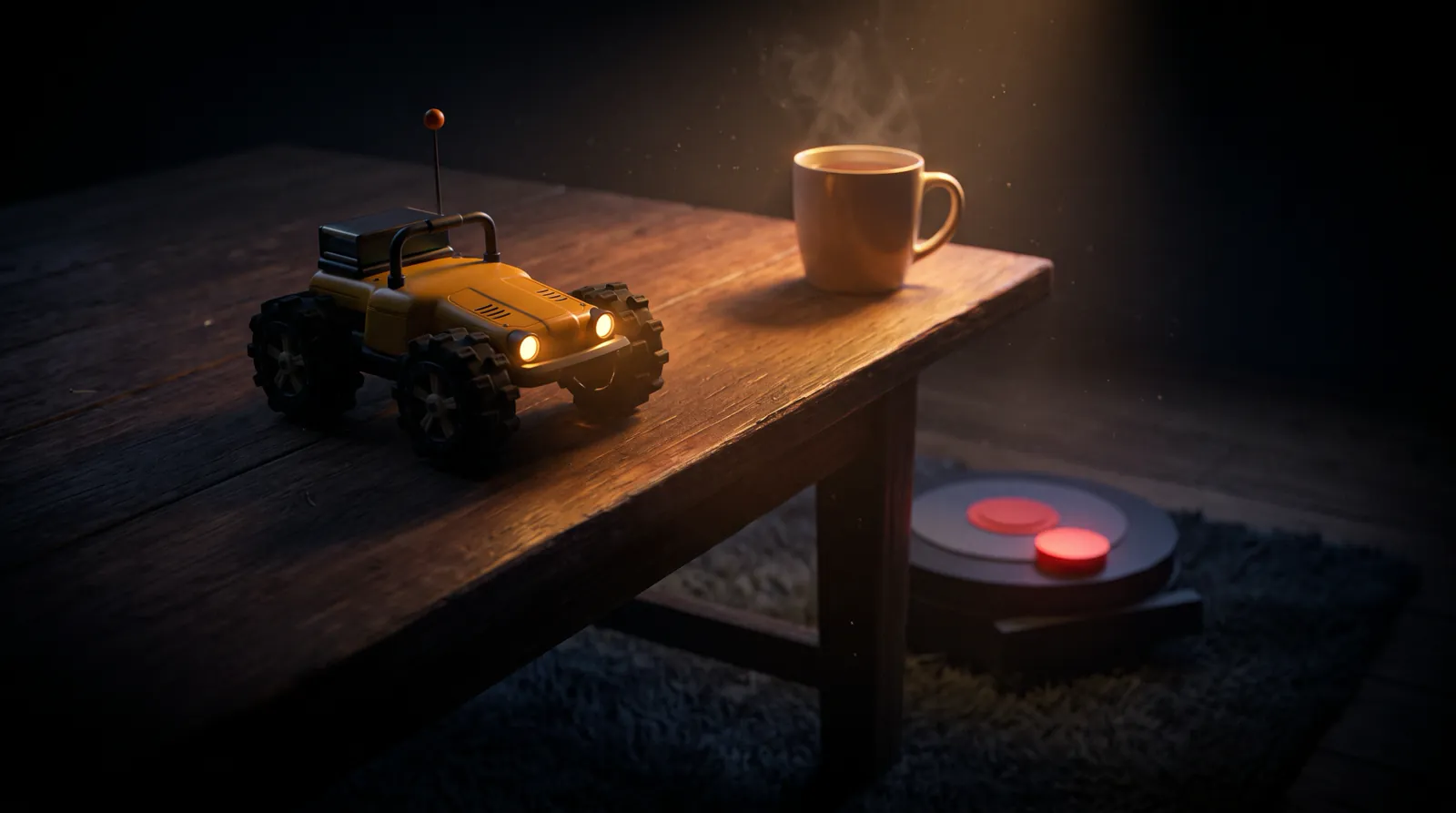
Grumble is the robot vacuum in Last Charge's second level, Lights Out, set in the dark living room. It drives a fixed loop around the rug and goes after Watt's headlights. It can't climb onto furniture, and if it catches Watt on the floor you restart at the last power bank.
Last Charge is a story-driven 3D physics puzzle game for Android and iPhone, made by Secundum Reality. You drive Watt, a small yellow toy RC car, through a house during a storm, and most of what you do costs battery. Level 2's title card reads "The living room · 12:31 am · Level 2: Lights Out". The room is 6 by 5 meters and mostly dark. Lightning flashes every 10 to 20 seconds. Watt has no way to fight Grumble, and nothing in Last Charge gets hurt, so the way past is to stay out of its sight or out of its reach.
How does Grumble see you?
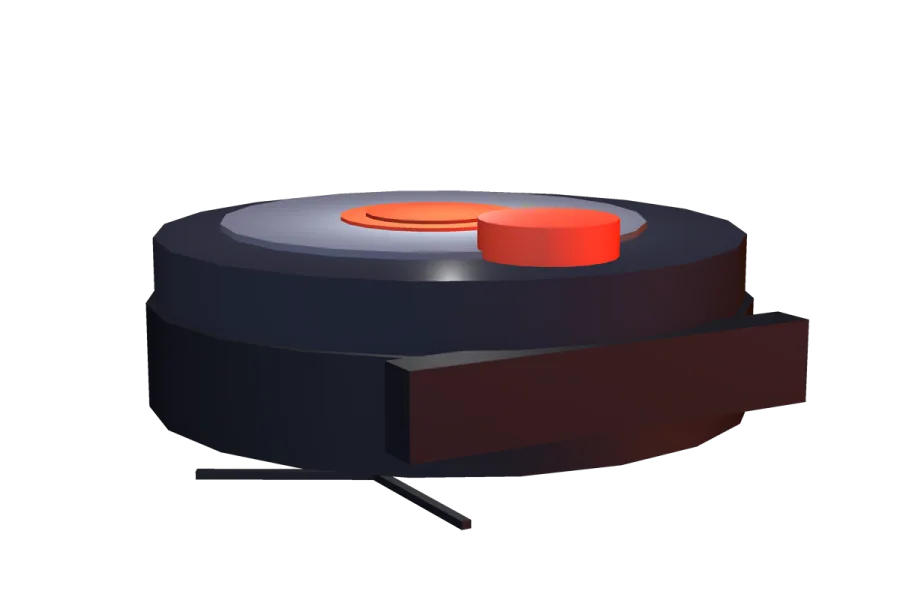
Grumble sees Watt only when the headlights are on. It spots them inside a cone in front of it, 2.5 m long and 70° wide, or from any side if your beam points almost straight at it (within 12°, up to 2.6 m). It needs a clear line of sight, so furniture in between hides you.
With the lights off, Grumble can't see Watt at all. Your speed and the sound of the motor make no difference, and the lightning doesn't set it off either, so you can drive right past it in the dark.
| What | Number | What it means for you |
|---|---|---|
| Sight cone | 2.5 m ahead, 70° wide | Lights on inside this wedge and it sees you |
| Headlight beam | Pointing within 12° of it, up to 2.6 m | Shining at it gives you away, even from behind |
| Line of sight | Must be clear | Furniture between you blocks its view |
| Patrol | 0.32 m/s on a fixed six-point loop around the rug | Watt's top speed of 1.1 m/s is more than three times faster |
| Warning | 1 second, ring amber | Time to switch off or get out of the way |
| Charge | 1.1 m/s in a straight line, up to 4.5 m | The same as Watt's top speed; only a boost (1.7 m/s) is faster |
| Catch | Within 25 cm, while charging, with Watt on the floor | Anything more than 12 cm off the floor is out of reach |
Beyond 2.6 m, Grumble can't see your headlights even if you point them straight at it. Watt is about 18 cm long, so that's roughly fourteen car lengths. The beam rule is the easy one to forget: come up behind Grumble with the lights on, aim at it, and it sees you anyway.
What happens when Grumble spots your headlights?
When Grumble spots your headlights, it chirps, its ring turns amber and it turns toward the spot where Watt was. That takes one second. If the lights are still on when the second ends, the ring goes red and it charges in a straight line at that spot. If they're off, it doesn't charge.
- The moment it sees your lights, Grumble fixes on the spot where Watt is at that instant and spends one second turning to face it.
- Lights still on when the second is up: it charges at that fixed spot in a straight line at 1.1 m/s, for up to 4.5 m. It doesn't steer after you.
- Lights off by then: no charge. It spins on the spot for 3 seconds, searching, then goes back to its loop.
Because Grumble aims at where you were, a quick swerve sideways takes you off its line. Backing straight away from it doesn't work, because Watt reverses at 0.5 m/s, less than half Grumble's charge speed. Ducking behind furniture during the amber second won't call the charge off either. What counts is whether your lights are on when the second runs out, so the light switch is the surest fix.
What do Grumble's colors mean?
Grumble's ring shows its mood. Cyan-blue is calm, amber means it has spotted your headlights, and red means it's charging, which is the only time it can catch Watt. Green means it's cleaning up a mess. Amber is your cue to switch the lights off.
| Ring | What Grumble is doing | What you should do |
|---|---|---|
| Cyan-blue | Calm, driving its loop around the rug | Keep the lights off when you're within 2.6 m of it |
| Amber | It has seen your headlights and is turning toward where you were, for 1 second | Lights off now, or swerve sideways |
| Red | Charging in a straight line at 1.1 m/s | Be off its line, or up on furniture |
| Green | Cleaning: rushing at a spill, then scrubbing it | Let it clean; it can't catch you |
Listen as well as look. A chirp from the dark means Grumble has spotted your lights.
How do you sneak past Grumble?
To sneak past Grumble, cross the living-room floor with the headlights off and use the lightning flashes to see. Switch the lights on only for short looks when Grumble is more than about 2.6 m away or behind furniture, and never point them straight at it. If its ring turns amber, switch off at once.
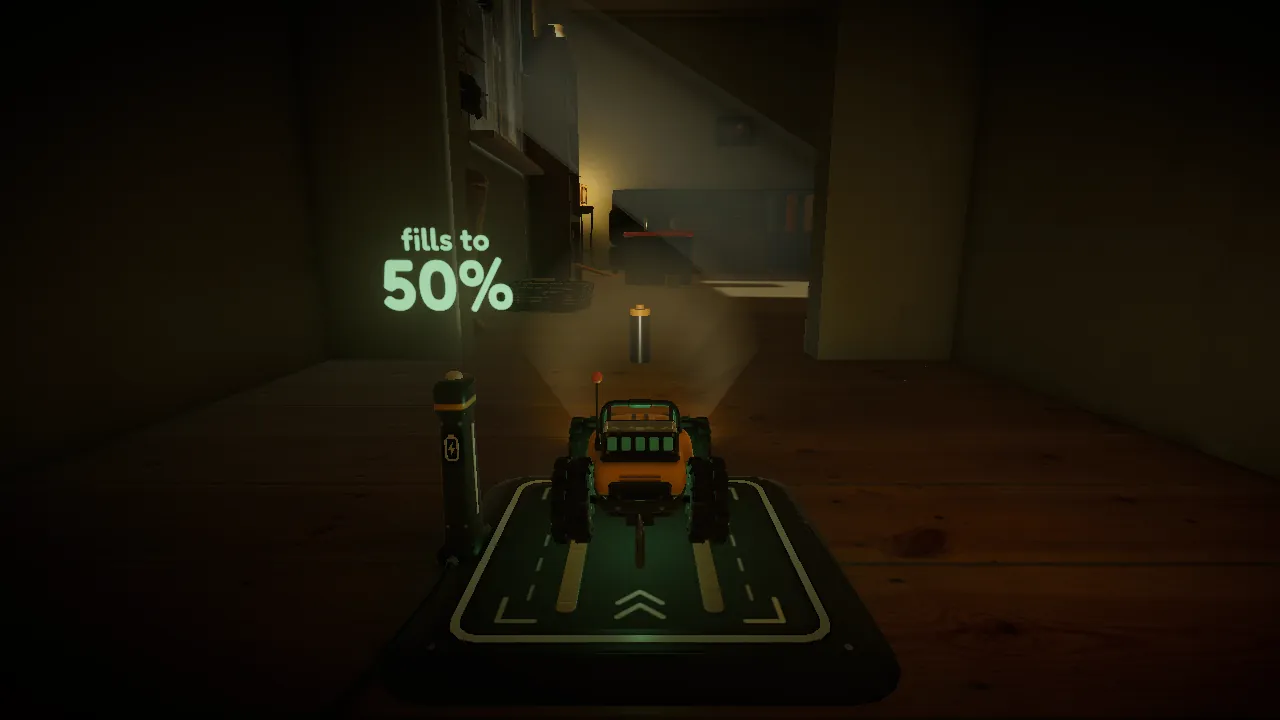
Level 2 starts on a dock in the dark hall, facing into the room. Switch the headlights on there to see where you're going (the goal line on screen changes when you do), then switch them off before you drive in.
- Grumble's patrol is fixed, so it takes the same route around the rug every lap. Park in the dark and watch it go around once before you move.
- Lightning flashes every 10 to 20 seconds and lights the room for free. It doesn't set Grumble off.
- Keep furniture between you and Grumble where you can, since it blocks Grumble's view. The route that works goes along the west wall, past the toy box, to the front of the sofa.
- When you need light, for example to line up the tow hook, wait until Grumble is more than 2.6 m off or out of sight behind furniture, and check your beam isn't pointing at it.
- Don't try to outrun a charge. Grumble matches Watt's top speed, and only a boost is faster, at 4% of the battery each time. At 15% charge and below, Watt loses a fifth of its top speed, so on a low battery Grumble is faster than you.
Driving dark is cheaper, too. Driving costs 0.15% of the battery per second, and the headlights add 0.10% per second on top, so a minute with the lights on costs an extra 6%. The Last Charge battery tips go through the rest of the drain rules.
Tip
In Last Charge, standing still with the headlights off costs no battery. If you lose track of Grumble, stop, go dark and wait for the next lightning flash.
Where is safe from Grumble?
Furniture Watt can climb onto is safe from Grumble, as long as it's more than 12 cm off the floor. Grumble can't climb, so the sofa seat (40 cm) and the coffee table (36 cm) are out of reach. At floor level, the TV stand has 12.5 cm of space underneath: room for Watt, but not for Grumble.
The sofa seat is the first safe spot on the route, and the power bank at its west end saves your progress as soon as you reach the seat. Getting up there means hooking the blanket and boosting up the cushion it pulls into a ramp, which the Level 2 walkthrough covers step by step. From the sofa you can cross to the coffee table without touching the floor again. From the table, the magazines lead down into the corner by the garage door, and a wall of toy blocks keeps Grumble out of that corner until the mug of tea breaks through it.
At floor level, the gap under the TV stand on the south wall is the place to hide. Grumble is too tall to fit under the stand, so tuck Watt all the way in and it can't reach you. One of the level's three gold batteries is under there too. All twelve are listed in the Last Charge gold batteries guide.
What happens if Grumble catches Watt?
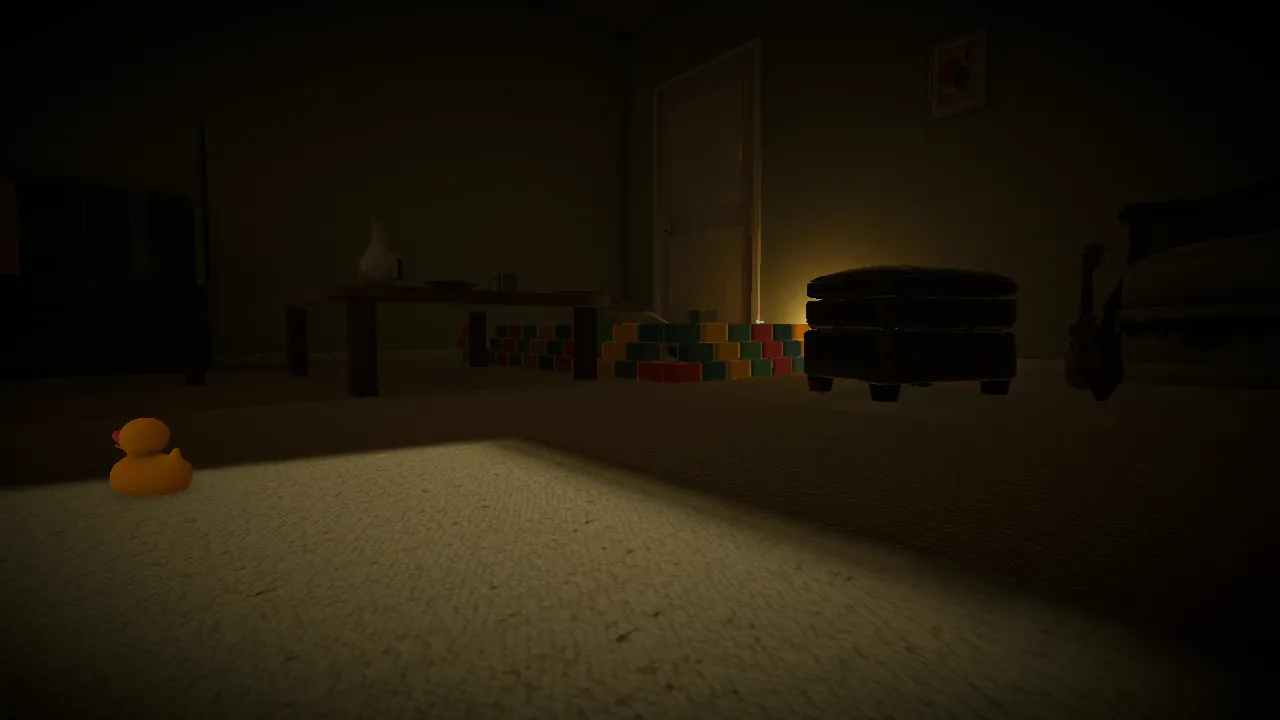
If Grumble catches Watt, the screen shows "Grumble caught you!" and fades, and Watt starts again at the last power bank you reached. There are no lives and no level timer, so you simply carry on from there. It can only catch you while its ring is red and you're on the floor.
Level 2 has three power banks, all filling to 50%: the dock in the hall where you start, the west end of the sofa seat, and the garage corner at the foot of the magazines. A catch takes you back to whichever one you reached last. The fade out and back in takes well under two seconds.
Grumble doesn't damage Watt or carry it off. Last Charge is spooky but not gory, and every fail is a quick reset. Its App Store rating is 9+. The lightning in the living room is worth knowing about if flashing light bothers you. If you're choosing for a younger player, see our list of spooky games for kids that aren't too scary.
Can you make Grumble work for you?
Yes, and it's how you leave the room. The draft blocker across the garage-door pet flap is too heavy for Watt, but a crash and a spill bring Grumble at once. It rushes at the mess with its ring green, shoves the blocker into the corner, scrubs for 3.5 seconds and returns to its loop.
The mess is the mug of tea on the coffee table. Push it off the table's east end and it smashes through the toy-block wall, rolls to the door and leaves a trail of tea. Grumble drives to a spot in line with the trail, turns to face it and rushes along it. The draft blocker happens to be in the way.
Which side of the mug to push from, and how to reach the table in the first place, is in the Lights Out walkthrough, along with the rest of the route. Grumble goes back to its loop afterward, so keep your lights off on the way down the magazines to the pet flap.
Frequently asked questions
Can Grumble see Watt with the lights off?
No. In Last Charge, the only thing about Watt that Grumble notices is its headlights. With them off it can't see the car at all, however close you get, and Watt's speed and motor noise make no difference. If you're in its way in the dark, it just bumps past. Switching the lights off during its one-second amber warning also stops it from charging.
Can you destroy or stop Grumble?
No. Watt has no way to damage Grumble, and nothing in Last Charge gets hurt. You deal with Grumble by staying dark on the floor and climbing onto furniture where it can't reach. In the end you use it: a spill brings Grumble rushing over to clean, and that rush is what clears the draft blocker from the pet flap in the garage door.
Can Grumble climb onto the sofa or the coffee table?
No. Grumble can't climb, and it can only catch Watt when Watt is within 12 cm of the floor. The sofa seat is 40 cm up and the coffee table 36 cm, so both are safe. At floor level, the TV stand has 12.5 cm of space underneath, enough for Watt but too low for Grumble, so it can't reach you under there.
Is Grumble in every level of Last Charge?
No. Of the four levels, only Level 2, Lights Out, the dark living room, has Grumble in it. The kitchen before it and the garage and garden after it have other problems: flood water, a tripped breaker and a storm that bangs the garden gate. The draft blocker from the living room turns up again just inside the garage at the start of Level 3.
Why does Grumble chase the light?
Grumble hunts light by design: Watt's headlights are the only thing about Watt it reacts to. That puts you in a bind in a dark room. You need the lights to see where you're going, every second they're on costs 0.10% of your battery, and they tell Grumble exactly where you are. Getting across the living-room floor comes down to knowing when to go dark.
Can you outrun Grumble?
Only with a boost. When Grumble charges it moves at 1.1 m/s, the same as Watt's normal top speed, and Watt reverses at less than half that. A boost takes Watt to 1.7 m/s for 1.2 seconds but costs 4% of the battery, and at 15% charge and below Watt's top speed drops by a fifth. Swerving sideways off Grumble's straight line costs no extra battery.