 Last Charge
Guides
Last Charge tips: how to make one battery last the night
Watt starts every level of Last Charge at 60% charge. These are the habits that stretch it, with the controls and settings worth knowing before your first room.
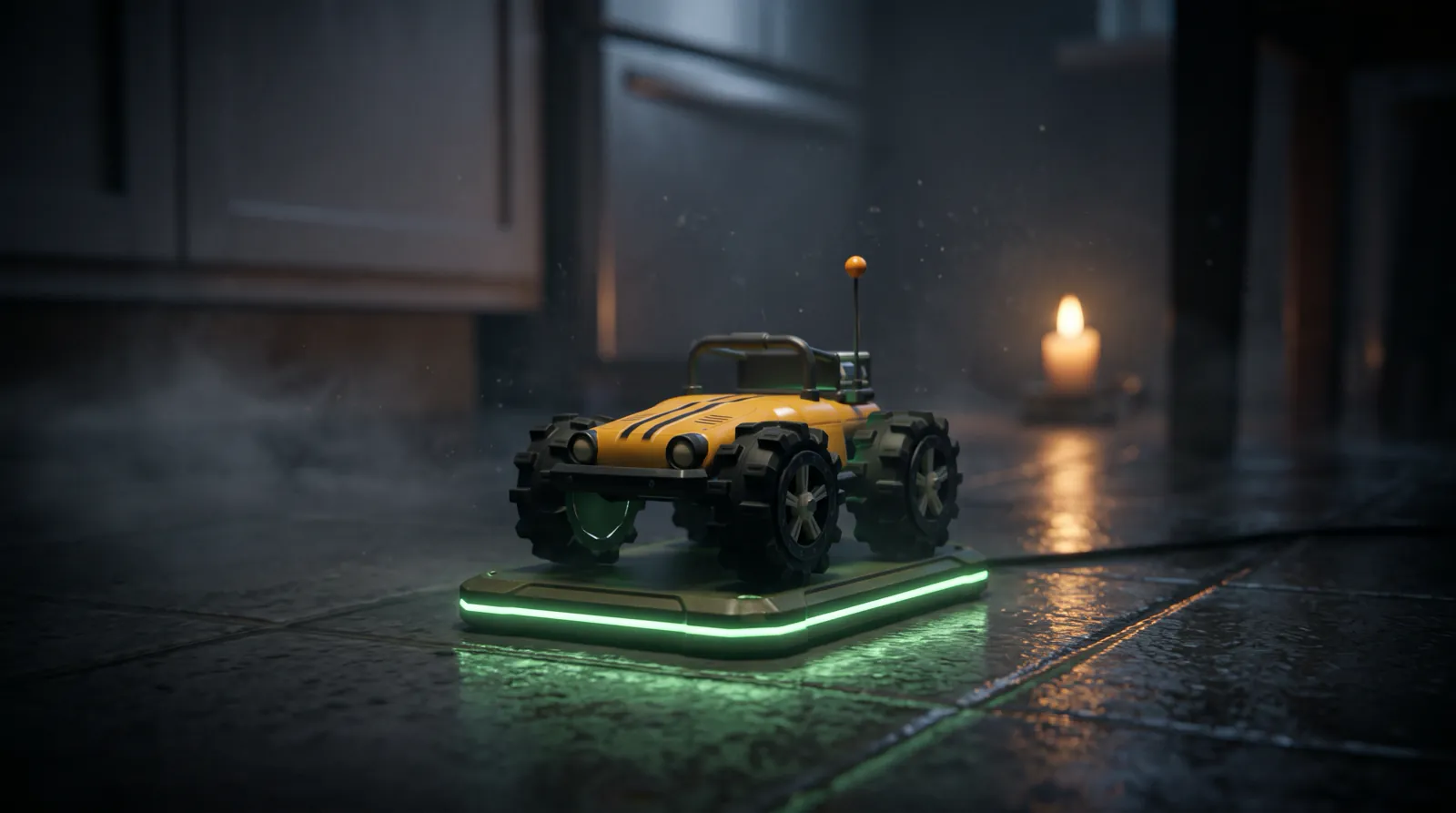
The most useful tips for Last Charge, the toy car physics puzzle game by Secundum Reality, are about the battery. Driving, headlights and boosts cost charge, while standing still with the lights off costs nothing, so the cheapest thing you can do in any room is stop, switch the lights off and look. Power banks along the way top Watt up and save your place.
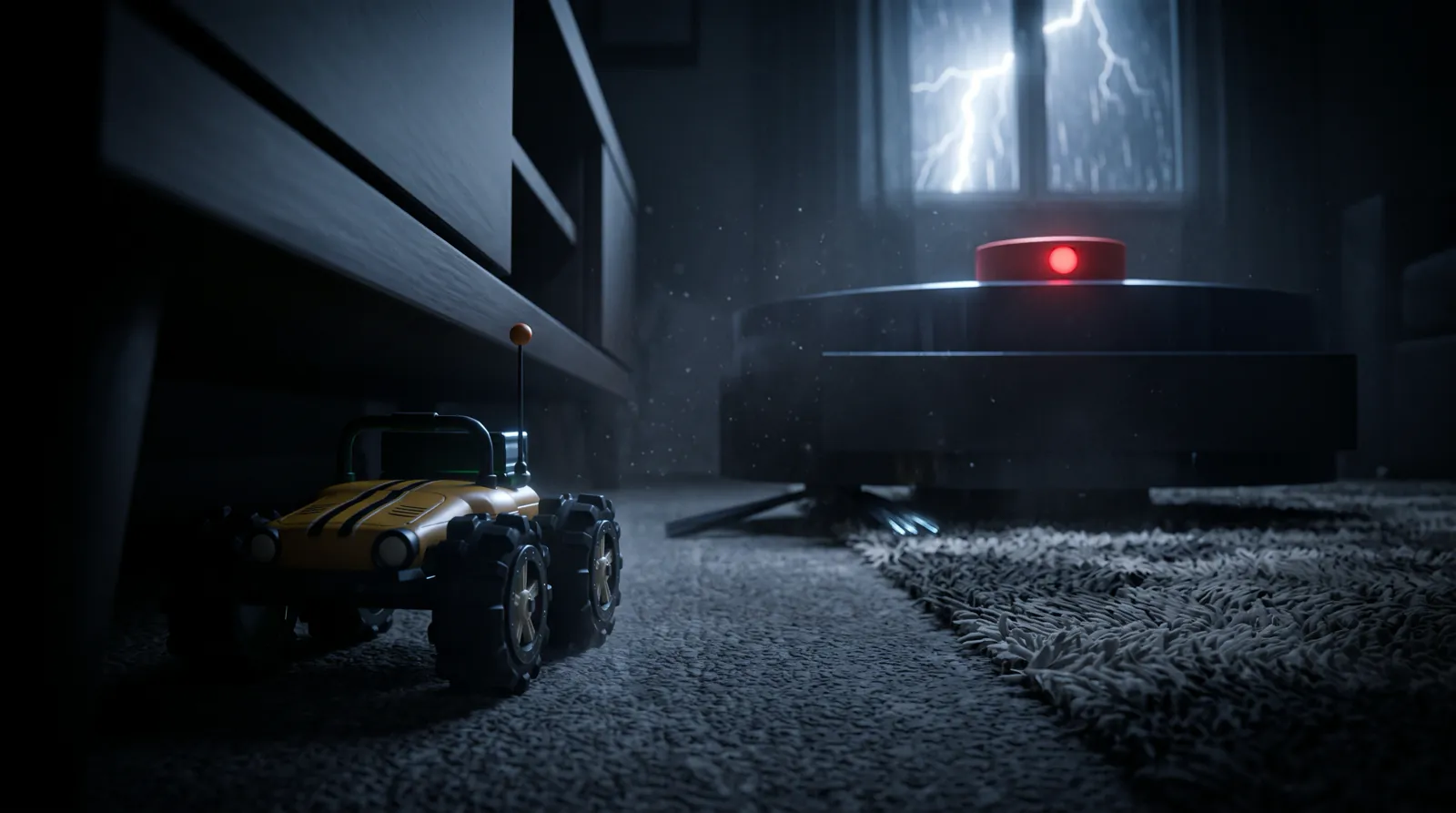
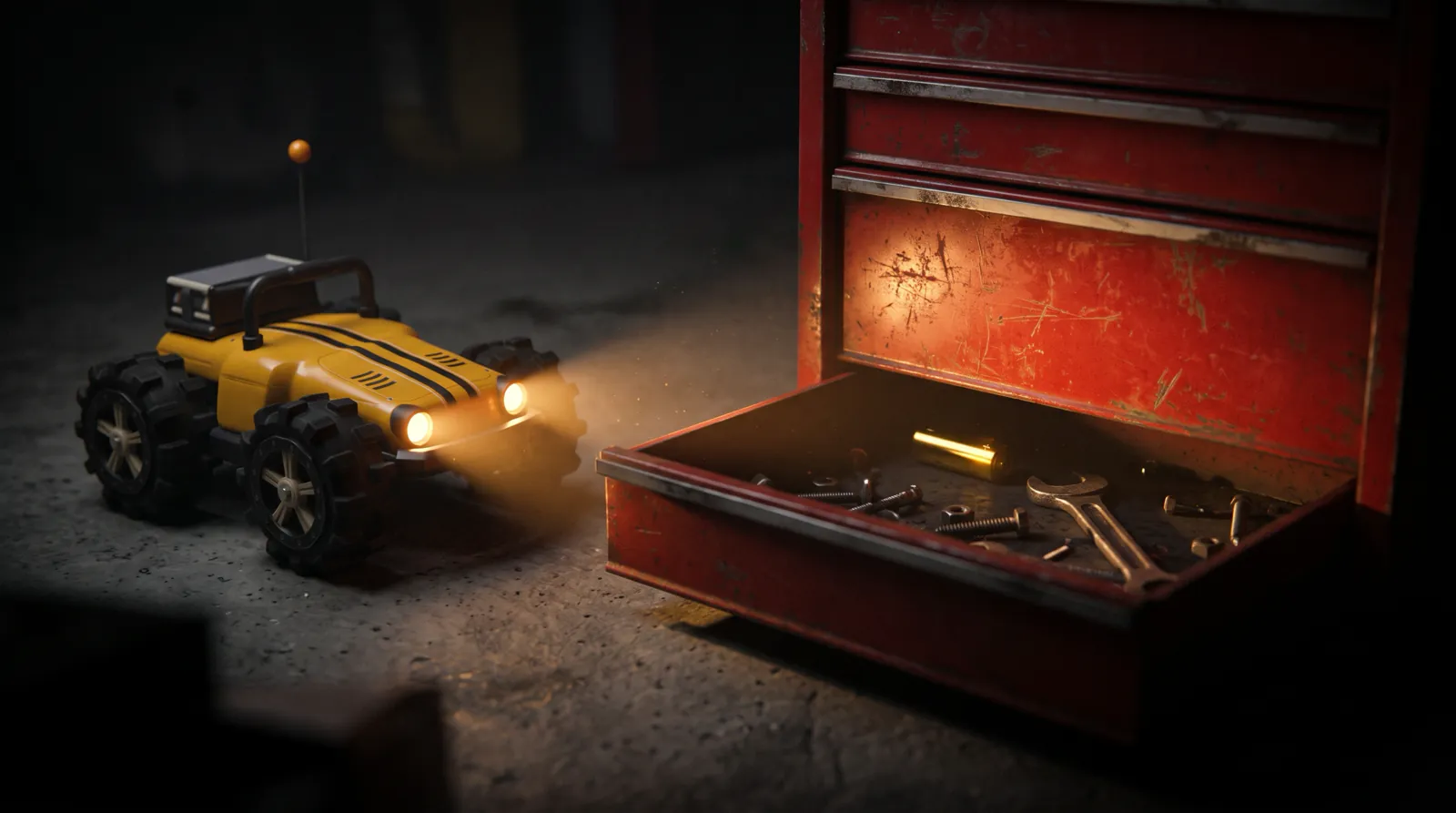
Last Charge is a story-driven 3D physics puzzle game for Android and iPhone, made by Secundum Reality. You drive Watt, a small yellow-orange toy RC car, through a dark house during a storm. There are four levels so far: the kitchen (High Tide), the living room (Lights Out), the garage (The Breaker) and the garden (Windfall). Each one starts with Watt's battery at 60%.
Ten ways to make one battery last
- Stop with the lights off whenever you need to think. Standing still in the dark costs no charge, and there is no level timer.
- Use the headlights in short bursts. They drain 0.10% a second even while Watt is parked, which is 6% a minute.
- Take your thumb off the pedals while something carries Watt, such as the floating lid in the kitchen. Of the driving controls, only GAS and BRAKE cost charge, and when you let go of both, Watt holds still, even on a slope.
- Look before you drive. Dragging the camera around and using the top view cost nothing.
- Save boosts for ramps, jumps and hard rams. One boost costs 4%, as much as about 27 seconds of driving.
- Pick up the AA batteries on your route. Each one adds 15%, worth 100 seconds of driving with the lights off.
- If you'll reach a power bank below its tag anyway, explore on the way there. The bank tops you back up to its number, so that charge comes straight back.
- When you're low and an AA sits near a bank, reach the bank first and collect the AA after. Grab it just before the bank and some or all of its 15% is wasted, because the bank only fills to its tag.
- Do anything that needs speed while you're above 15%. Below that, Watt's top speed drops by a fifth.
- Leave the gold batteries for a second run if charge is tight. They add no charge, and the game keeps only your best count from a finished run. The gold batteries guide has all 12.
What drains Watt's battery, and what is free?
In Last Charge, holding GAS or BRAKE drains 0.15% of Watt's battery a second, the headlights add 0.10% a second even when Watt is parked, and each boost costs 4%. Standing still with the lights off is free, and so is riding something that carries Watt while you keep off the pedals. Every level starts at 60%.
| What you do | Charge |
|---|---|
| Stand still with the lights off | Free |
| Ride something with no pedal pressed | Free |
| Hold GAS or BRAKE (reversing too) | 0.15% a second |
| Headlights on, moving or parked | 0.10% a second |
| Boost | 4% each |
| Pick up an AA battery | +15% |
| Reach a power bank | Fills to its tag (usually 50%) and saves |
Those rates make the budget easy to work out. From 60%, Watt has about 400 seconds (6 minutes 40 seconds) of pedal time with the lights off, or about 4 minutes with them on, before any top-ups. That sounds tight, but time spent parked in the dark doesn't count against it.
At 15% and below, Watt runs low: its top speed drops by a fifth, the headlights flicker, the antenna droops and the motor note sinks. The how to play section of the game page has the short version of all this.
When should you use the headlights?
In Last Charge, switch the headlights on when you need to see something and off again once you have. They cost 0.10% a second whether Watt is moving or parked, which adds up to 6% a minute. In the living room, keep them off on the floor: Grumble, the robot vacuum, only sees Watt's headlights.
The LIGHTS button sits above the pedals in every level, the kitchen included. Lightning flashes every 10 to 20 seconds in the dark rooms, and each flash lights the room for a moment at no cost, so a parked Watt can wait for one. The beam earns its charge when you're hunting for something small, like one of the garage's gold batteries, which only shows up in the headlights.
In the living room the lights are a risk. Grumble can't see Watt itself, only its headlights, so with the lights off it doesn't know you're there. If its ring turns amber, switch them off at once. If they go off within a second, it won't rush at you; it spins on the spot for three seconds, searching, then goes back to its loop. The rest is in how to get past Grumble.
When is a boost worth it?
A boost in Last Charge costs 4% of the battery, as much as about 27 seconds of driving, so save it for jobs that need speed: ramps, jumps and switches you have to ram. If a ram only gets you "Too gentle" on screen, you were going too slowly, and a longer run-up or a boost is the fix.
A boost lasts 1.2 seconds, with a 0.8-second cooldown before the next one. It lifts Watt's top speed from 11 to 17 in the game's units, roughly 1.1 to 1.7 meters a second at toy scale. The game refuses a boost when the battery is at 4% or less, so a boost can never be the thing that empties it.
Line up straight and hold GAS before you press BOOST; a crooked boost is 4% spent driving into a wall. The other time a boost pays for itself is in the living room, where Grumble rushes at 11 units a second, the same as Watt's normal top speed. Only a boost outruns it.
How do power banks work?
A power bank in Last Charge is a checkpoint. Drive onto it with three wheels down and it saves your progress and fills the battery to the number on its tag, usually 50%, if you're below that. It glows red until you reach it, then pulses green with a chime, and that's where Watt restarts.
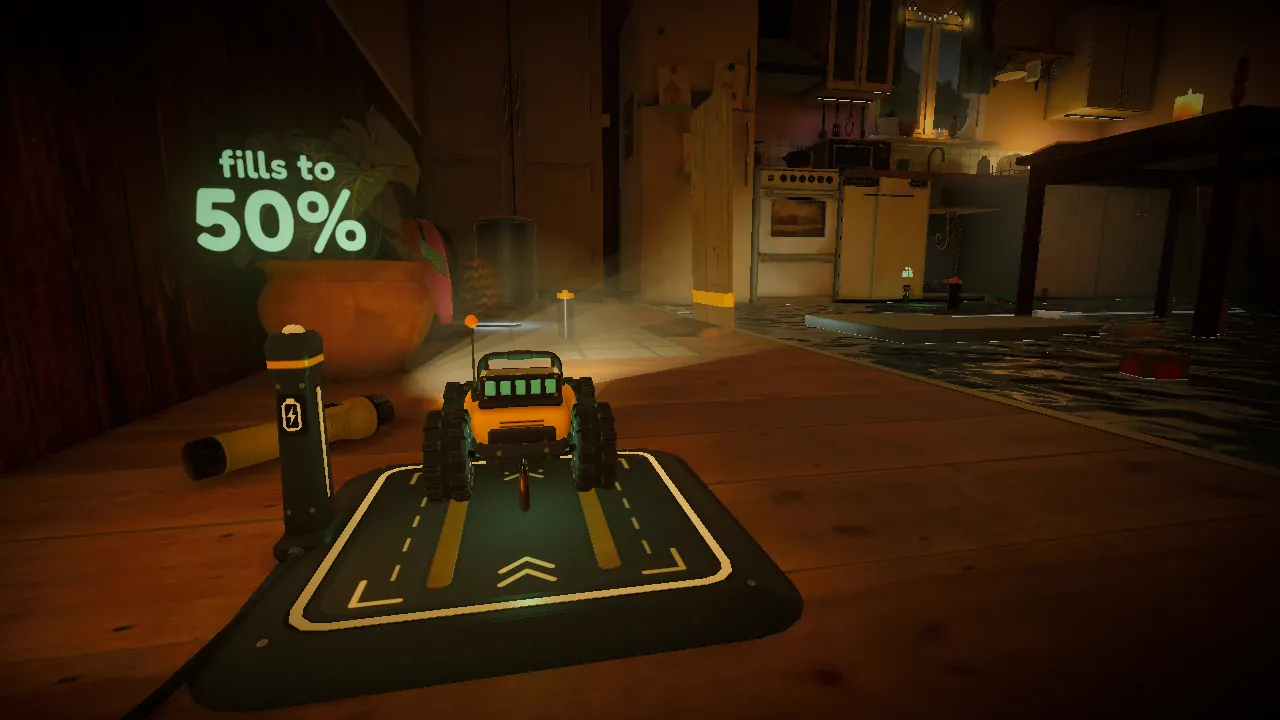
Read the tag before you count on a bank. It only tops you up to its number, so if you arrive with more you keep what you have, and the game says "Progress saved. This bank only fills to 50%." Flying over a bank doesn't count.
The tags change from room to room. The garage's banks step down from 50% to 35% to 20% as you climb toward the breaker panel, and the second bank in the garden fills to 40%. The garden also has no charging dock at the start: until you reach its first bank, a reset puts you back on the slabs outside the garage.
| Level | Power banks | Bank tags | AA batteries |
|---|---|---|---|
| 1, High Tide (kitchen) | 2 | 50%, 50% | 5 |
| 2, Lights Out (living room) | 3 | 50%, 50%, 50% | 6 |
| 3, The Breaker (garage) | 4 | 50%, 50%, 35%, 20% | 2 |
| 4, Windfall (garden) | 2 | 50%, 40% | 1 |
Indoors, the bank counts include the charging dock you start on. The garage and the garden have far fewer AAs than the first two rooms, so the habits above matter more the further you get.
What happens when the battery runs out?
When Watt's battery hits zero in Last Charge, the screen says "Out of charge" and, a second and a half later, Watt wakes at the last power bank it reached with 40% charge. There are no lives and no level timer, so you can run flat as often as it takes.
The exceptions are in the garage: a restart on the top shelf, or on the landing by the breaker panel, gives you 20%. Other mishaps also send Watt back to the last bank. Deep water shorts it out after half a second. A long fall does it too: more than 1.2 meters in the kitchen, living room and garden, but only 50 centimeters in the garage, so mind the edges there. Getting caught by Grumble, getting wedged so Watt can't go forward or back, or lying on its side or roof for 1.6 seconds all end the same way. Each reset is a quick fade of well under two seconds.
If Watt is stuck upside down, a flip button appears. The pause menu also has Restart from power bank and Restart level.
Which controls and settings make driving easier?
Last Charge steers with an on-screen wheel by default, and you can switch to a slider, left and right buttons, or tilt, either in the Controls tab of Settings or from the pause menu. Drag on empty screen to look around and use the top-view button to plan. The Battery saver graphics setting helps your phone, not Watt.
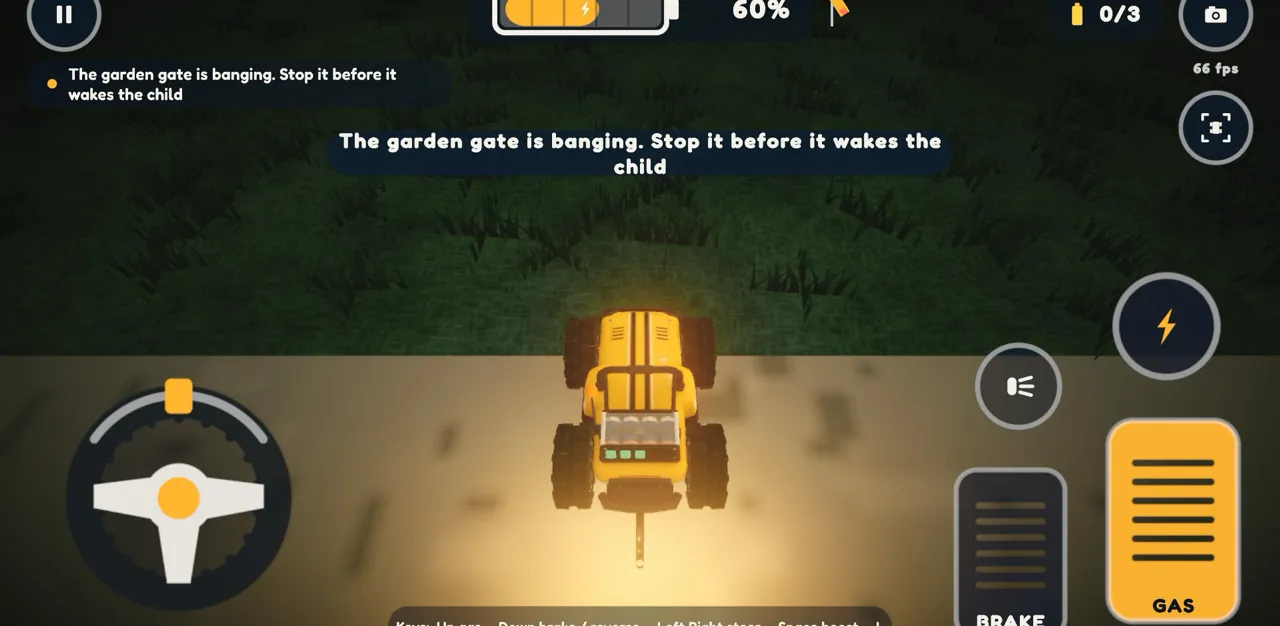
The wheel turns up to 120 degrees each way and springs back to center when you let go. If it feels twitchy, try the slider or the buttons. With tilt, 28 degrees of tilt is full lock, and a 3-degree dead zone keeps Watt straight when the phone is slightly off level.
GAS is the big pedal on the right and BRAKE the smaller one; keep holding BRAKE and Watt reverses. BOOST and LIGHTS sit above the pedals. A HOOK button appears only when the tow hook on Watt's back bumper is close to something it can grab: back up to it, tap HOOK, drive away to pull and tap HOOK again to let go. Watt can only pull things that are light and slippery. The camera button swaps between the chase view and the driver view, and moving the camera never costs charge.
In Settings, the Sound tab has Mute, Volume and a Storm sounds switch. Graphics offers Battery saver (30 fps, no glow), Balanced (the default, 60 fps), Sharp (60 fps with film grain) and Ultra (up to your screen's own sharpness). Battery saver is about your phone's battery: Watt drains at the same rate on every setting. Lightning flashes appear in the dark rooms and no setting turns them off, so take care if flashing light bothers you.
What should you do when you're stuck?
Last Charge gives no hints, so when you're stuck, park with the lights off, which costs nothing, and look. Use the top view, read the room's goal line again, and ask what in the room is light, slippery or ready to fall, because Watt is a toy and can't shove anything heavy. Our walkthroughs have every step.
Nothing on screen points the way. Each level states one goal, once, and it stays at the top of the screen and on the pause card. Every level also opens with a camera flight to the exit, which you can see but can't reach yet. Any tap skips it, so on a first visit, let it play.
The game does answer your attempts in a few words. "Too gentle" means more speed. "Too heavy for Watt" means that thing won't move however you push it, so look for another way. "Held fast" or "Nothing moves" usually means the timing or the setup isn't right yet. When something works, the camera often cuts to show what changed, so watch where it looks.
Watt is too small to force anything, so the puzzles let something else do the work. In the garage, look for stored energy you can let go of: a weight, a spring, something balanced on an edge. In the garden, the storm is the strongest thing around, so make the wind do it. For why the game has no hints, read why Last Charge never tells you what to do.
If you'd rather have the answer, each level has its own walkthrough: Level 1, High Tide (the kitchen), Level 2, Lights Out (the living room), Level 3, The Breaker (the garage) and Level 4, Windfall (the garden).
Frequently asked questions
Does standing still drain the battery in Last Charge?
No, as long as the headlights are off. In Last Charge, Watt's battery drains only while you hold GAS or BRAKE (0.15% a second), while the headlights are on (0.10% a second, even when parked) and when you boost (4% each). Parking in the dark is free, and there is no level timer, so plan for as long as you like.
Where do you restart when Watt runs out of charge?
At the last power bank you reached. In Last Charge, an empty battery shows "Out of charge", and about a second and a half later Watt wakes on that bank with 40% charge, or 20% on the garage's top shelf and panel landing. There are no lives, so running flat never ends the level.
Do power banks save your progress in Last Charge?
Yes. Every power bank in Last Charge is a checkpoint. When Watt reaches one with three wheels down, it saves your place and fills the battery to the number on its tag, usually 50%, if you're below it. It glows red until you reach it, then pulses green with a chime. If Watt runs out of charge or falls too far, it goes back there.
How do you flip Watt back over in Last Charge?
A flip button appears on screen when Watt is stuck upside down. You don't have to press it: if Watt lies on its side or roof for 1.6 seconds, the game puts it back at the last power bank by itself. The same happens if Watt gets wedged and can't move forward or back.
Is there a hint button in Last Charge?
No. Last Charge has no hint button, arrows or markers, on purpose. Each level states one goal, once, and opens with a camera flight to the exit you're trying to reach. The game answers your attempts in a few words, such as "Too gentle" when a ram needs more speed. If you're stuck, our level walkthroughs give every step.